Zoome Login and Sign Up in New Zealand
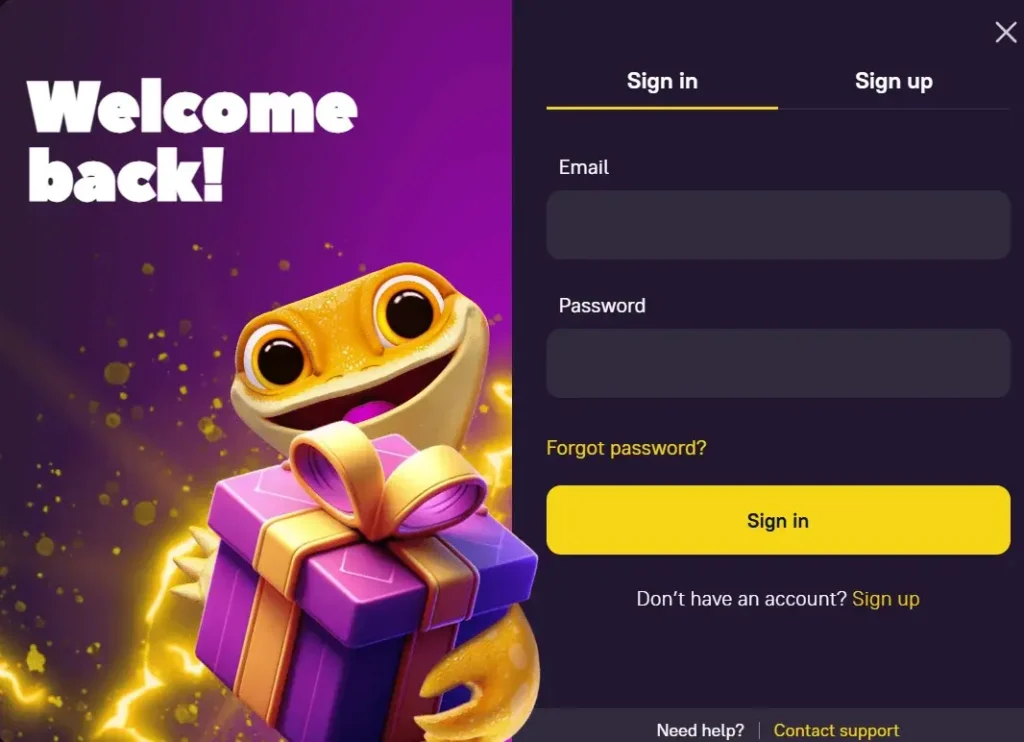
With an easy Zoome Casino registration process, Kiwis will open the floodgates of quality online casino attributes, ranging from a long list of slot machines, generous promotions such us Welcome Pack up to 1,800 NZD + 250 FS and so on. You’ll learn how to complete the sign up process, including a step-by-step login guideline, how to resolve some common Zoome login issues and more.
Zoome Casino Registration Process in Details
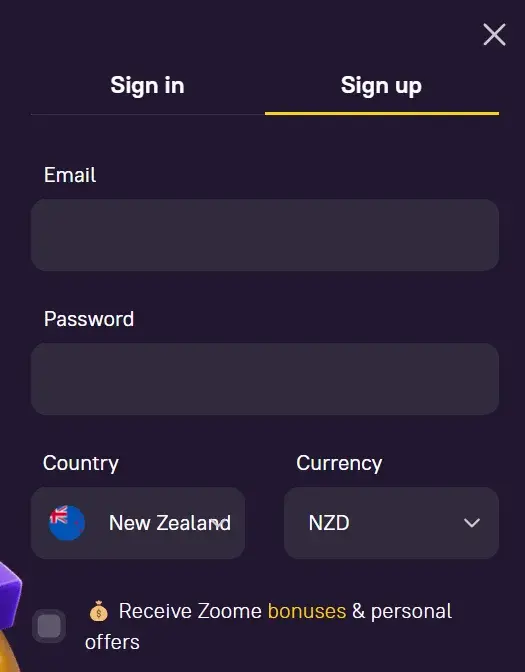
The Zoome registration process is fast and efficient. Below are the three simple steps you’ll need to complete your sign-up.
- Locate the register button on the Zoome Online Casino homepage. Start by clicking the yellow button named register on the homepage to sign up. This will take you to a page where you’ll be required to submit some personal details.
- Register Your Account. Some of the personal details that are required for the Zoome Casino sign up are your email address and preferred password. Once input these details in the right boxes, proceed to confirm your registration by clicking on “Register Account” to complete your signup. Remember to check the boxes agreeing to the terms of service. Note that you will be required to provide additional information in order to complete your Know Your Customer (KYC) verification. We’ll highlight more details on KYC later on this page.
- Fund Your Account and Enjoy. Having completed your registration, you can now fund your account with any amount starting from 20 NZD, which allows you to claim the welcome bonus designed for new sign-ups. After funding and claiming your bonus, you can then play the collection of games we have for both fun and a chance to win real money.
Account Verification
After completing your initial Zoome registration, you’ll be required to verify your account via email. That means a message will be sent to your email, which you’ll be required to click to complete your verification.
You’ll need to complete your KYC to access the full functions of Zoome Casino with additional security. To complete the KYC verification, head to your profile and fill in the required details on the “Personal” section of your profile.
Once you’re done filling in the information, click on the “save changes” to submit the details. An email will be sent to you confirming the status of your KYC. Typically, it takes about 24 hours or less to confirm your verification. Some of the personal details you’ll need to submit include:
- Full name
- Phone number
- Date of birth
- Gender
- Country, state, city, address and postal code.
Personal Data for Verification
Zoome is structured to prioritise players’ data protection. For instance, the updated SSL security encryption ensures that players are protected against potential hackers. All credit/debit card information is encrypted, and they are not stored on the local storage to block any unauthorised access from third parties.
Also, with a verified KYC on the site, players can further protect their accounts from potential impersonation, phishing attacks and so on. Users can rest assured that Zoome Casino has put in place necessary precautions to protect user data.
Zoome Casino Login Process in NZ
Once you successfully complete your registration at Zoome Casino, below are the steps you need to take in order to carry out a Zoome Casino login:
- Locate the login button on the homepage. This will take you to the site’s interface. Here, you’ll see the “Login” button, which is your gateway to logging into your account. When you click on the “Sign In” button, you’ll be taken to a page where you’ll be required to input your email address and password.
- Zoome Login. After inputting these details, click on the sign to log in to your gambling account. When logging in, remember to use the email address you used to open your Zoome gambling account. Also, ensure that the right password is inserted otherwise, you won’t be logged in. In case you can’t remember your password, there’s a solution, as you can easily click on the “forgotten password” and follow the prompts to reset your password.
Login using Mobile App
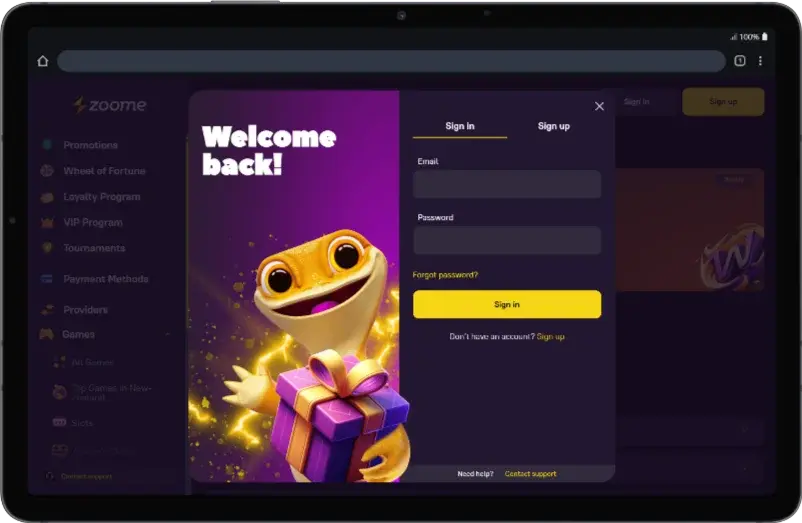
You can also carry out a Zoome login via the dedicated mobile app. The Zoome mobile version is designed to provide enhanced wagering sessions, given how the app is carefully optimised to suit mobile screens.
With the app, you will get a coherent casino activity anywhere and at any time of the day on your smartphone device. The app’s fast load time and inviting interface add important layers of features that enhance commitment for players to players.
Possible Zoome Login Issues for NZ Players
We recognise that players might face login issues at some point in their wagering on the site. Some of these common Zoome Casino login issues and their solutions are:
| Issues | Description |
|---|---|
| Can’t login | If you cannot login into your account, consider resetting your password. You can do this by simply clicking on the “forgotten password” at the login page of Zoome Casino, then following the prompts. |
| Want to change registered email | You can always contact the Zoome Casino customer service if you wish to change the email address you used in opening your account. You can use one of the three customer service channels, which include the live chat feature, call-in channel or the direct email messaging channel. |
| Zoome login via mobile app | The Zoome Casino mobile app is a viable option you can use to login to the site. Simply download and install the app directly from the site, then access the login page and input your details to log in. |
How to Delete an Account at Zoome Casino
We have laid down a process that enables players to delete their accounts. If, for some reason, you no longer want to have an account on the site, simply follow the steps below to delete and deactivate the account.
- Contact Customer Support. Kiwis can’t manually delete their account, but they can always reach out to customer service via live chat or email.
- Request for the deactivation. Request for the deactivation of your account, and the customer service team will then help you delete your account from the backend.
Note that all bonuses or funds available on your account cannot be refunded to you after your account has been deleted. Alternatively, you can take a break and return when you wish to continue your wagering.
Recovery Instructions for Password Reset
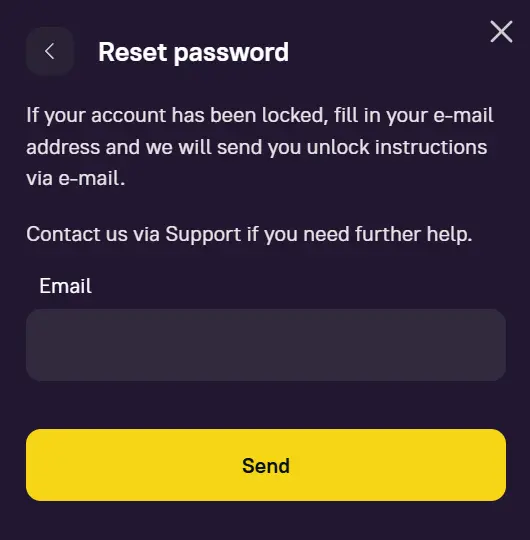
Zoome Casino has set a simple yet secure structure to reset your password in cases where you can’t remember your password or if your password has been tampered with. To reset your password:
- Click on the “forgotten password” located on the Zoome Casino login page.
- Provide the email address that you used in registering your account and have them send you a recovery email.
- Check your email inbox to reveal the password recovery link. Click on the link and follow the prompts to reset your password (check your spam folder for the email if you didn’t see it in your inbox).
Alternatively, you can reach out to the customer support team via the live chat feature on the site, through email or by phone call for a password reset.